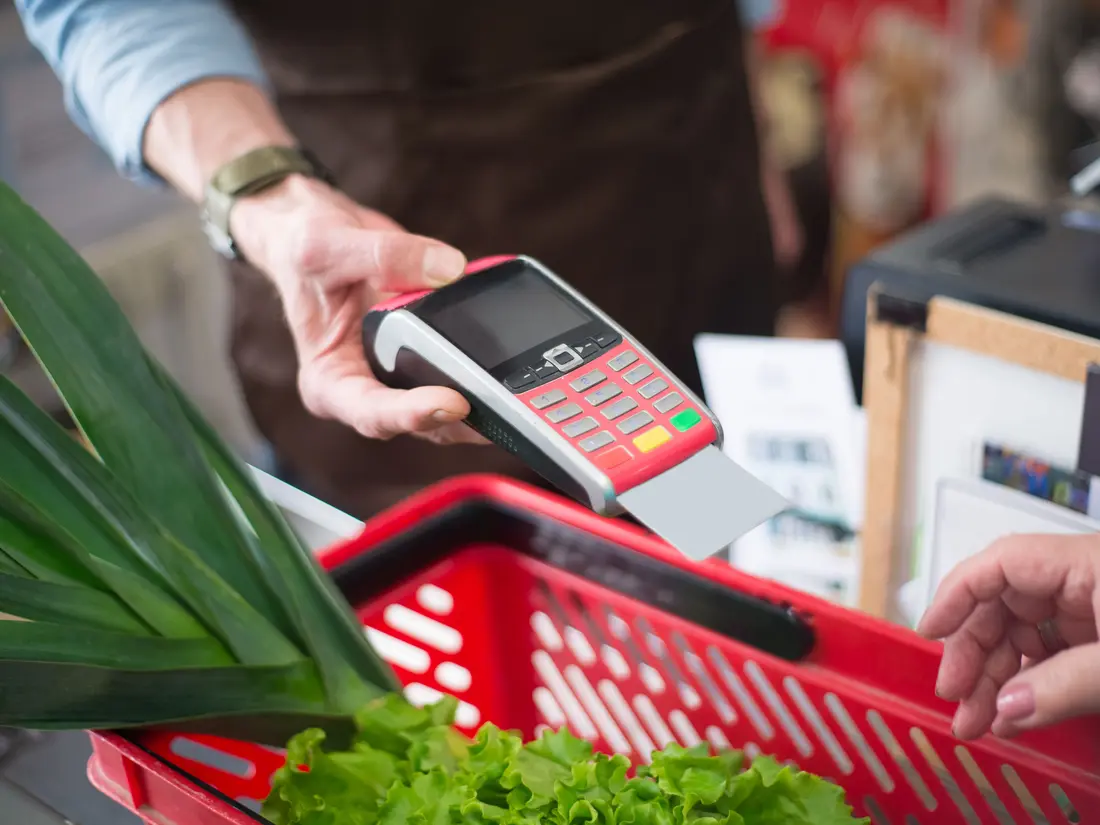
Shops & minimarts
Barcodes, stock that moves as it sells, stocktakes that show the gap, and a cash shift that closes with a variance you can explain. Dollars and riel on the same counter.
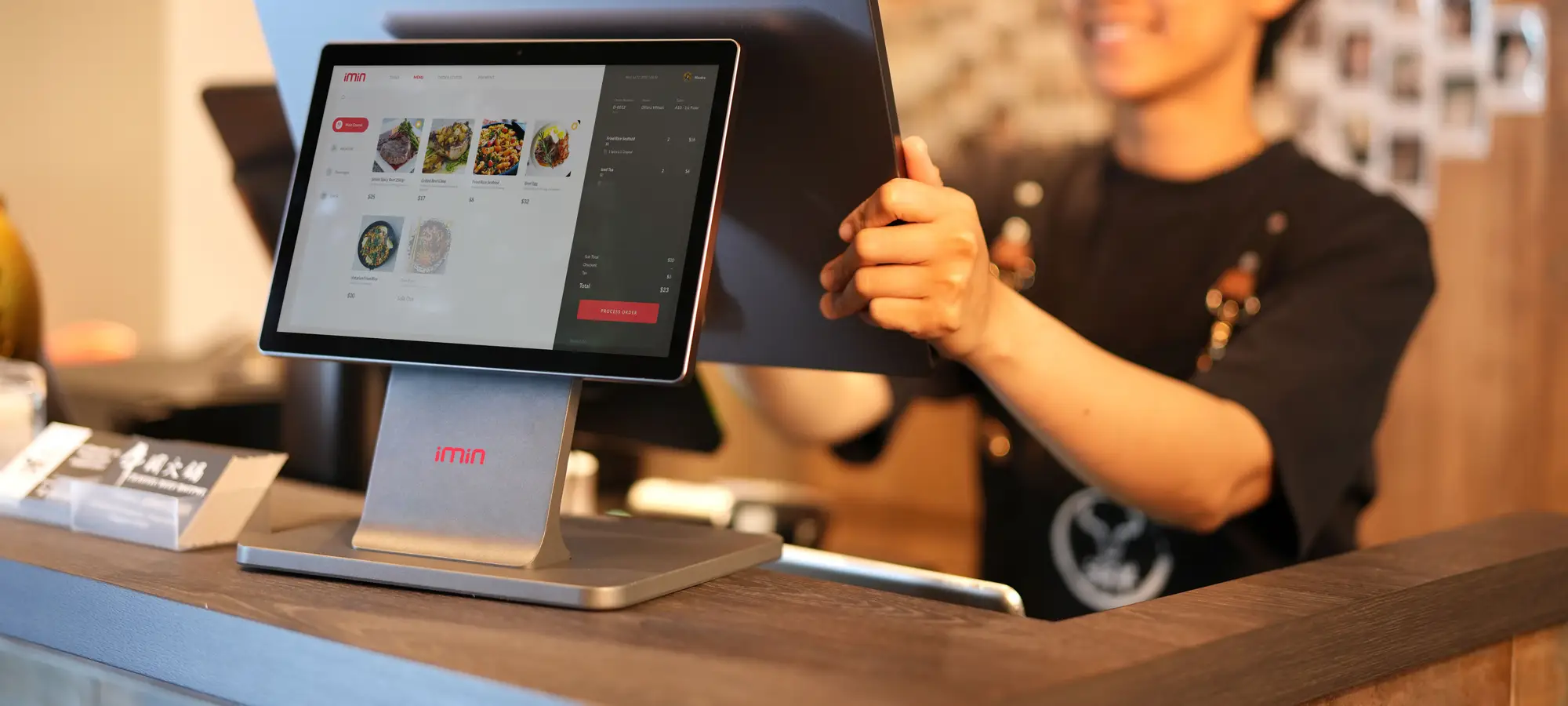
POS for Cambodia — a till that survives a dropped connection, and takes KHQR
Active in cloud staging environment — ready for pilot onboarding and production deployment.
A point of sale system for shops, cafés and restaurants in Cambodia. The till keeps taking sales through a dropped connection and cannot charge the same customer twice when it reconnects, KHQR and PayWay land in your own bank account rather than ours, and dollars and riel are handled together the way every counter here already works.
A till has one job and one enemy: hesitation. The second enemy is the network. When a cashier taps “charge” and the connection dies, the honest question is whether the sale went through — and the only acceptable answers are that it was held safely, and that pressing the button again cannot charge twice.
So a sale rung up during an outage is kept on the terminal and sent when the line comes back, and every checkout, void and return carries a request id the till generates, which the server treats as the same operation rather than a new one. The second half is the part worth paying attention to: plenty of tills queue a sale, and rather fewer can promise that the retry after a dropped connection does not become a second charge on somebody’s account.
There is a boundary and it is better said than discovered. The terminal needs to have reached the server at least once since it was opened, because the catalogue is loaded rather than stored on the device. A connection that drops in the middle of a shift is handled; a terminal switched on cold with no internet is not, yet.
The other thing worth saying plainly is where the money goes. KHQR and PayWay run on your own merchant account, so the customer scans and the takings are in your bank — not held by us and passed on afterwards. Each company’s credentials are encrypted and resolved per sale, so an owner with several companies keeps them apart properly rather than sharing one account and untangling it later. And money is decimal arithmetic; floats are not allowed near a total — which is the unglamorous reason the drawer agrees with the report at the end of the day.
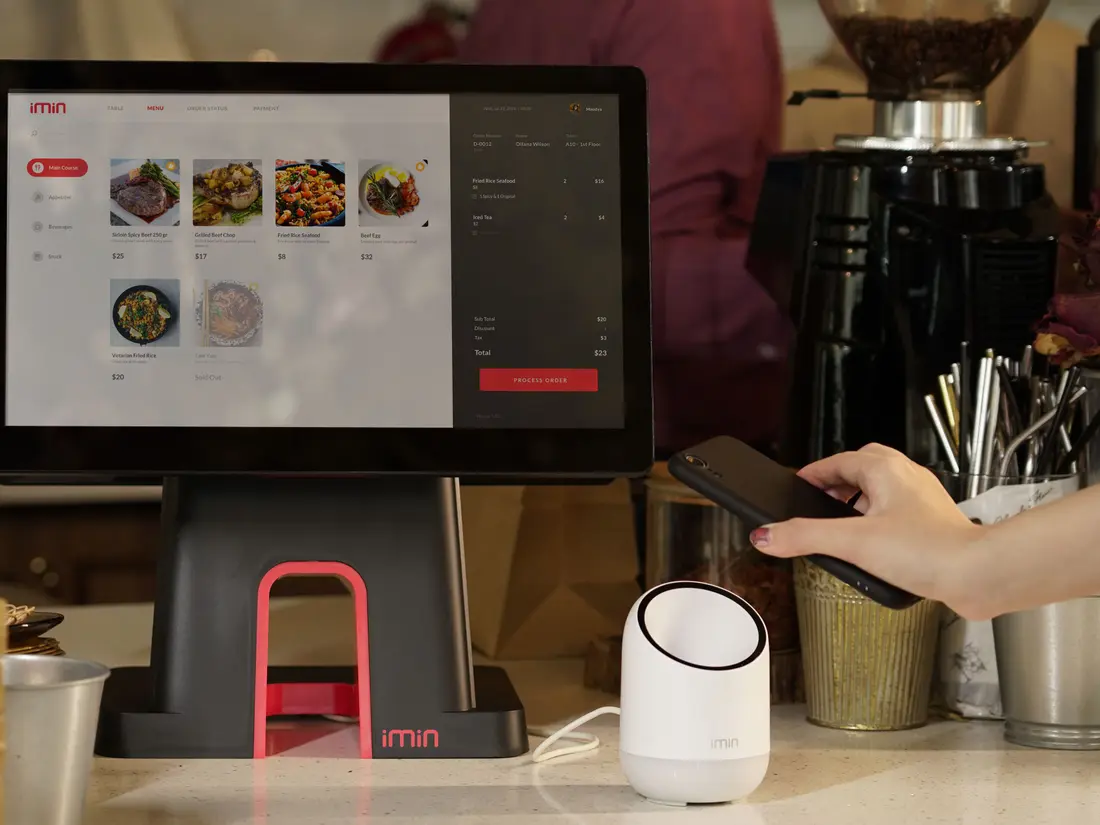
A till has one job and one enemy: hesitation. When a cashier taps charge and the connection dies, the honest question is whether the sale went through. Here it is held on the terminal and sent when the network returns — and because the till stamps every sale with its own id, pressing the button again returns the sale that already happened rather than taking the money twice. That second half is the part most tills get wrong.
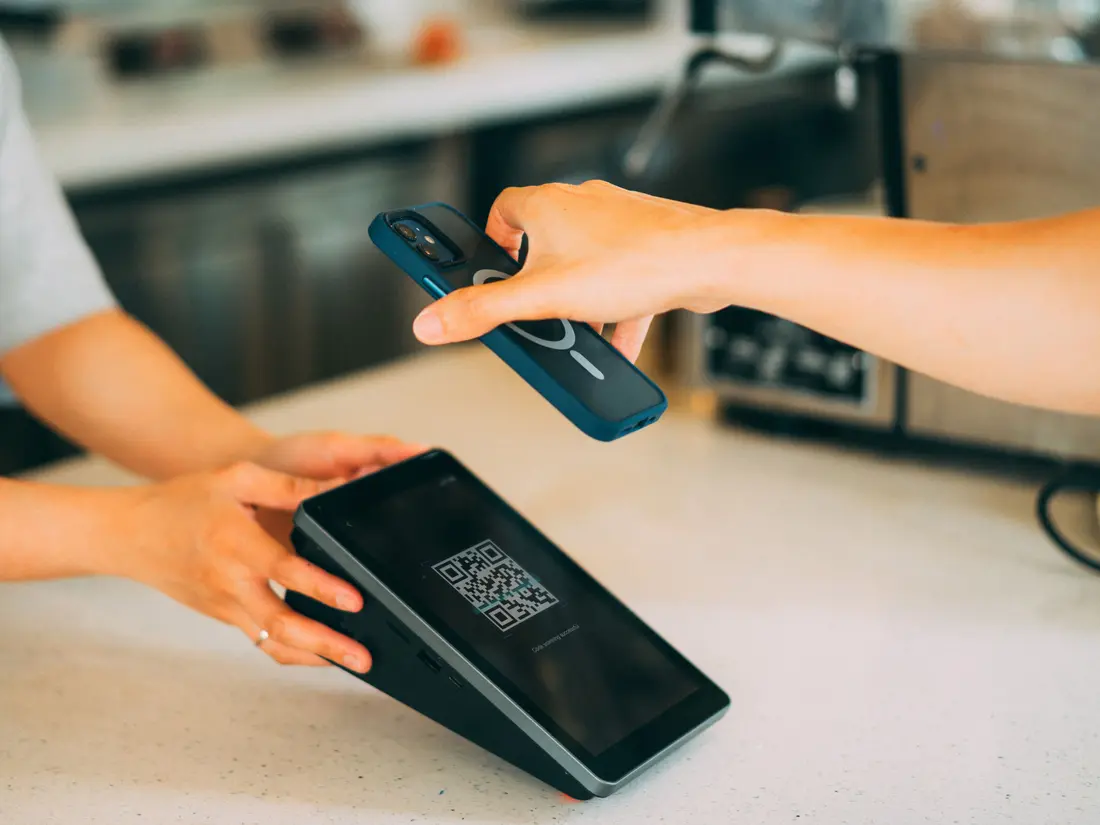
Bakong KHQR and ABA PayWay at the counter, on your own merchant account — the customer scans, and the money goes to your bank rather than through us and back later. Each company's credentials are held encrypted and resolved per sale, so a group running several companies is not sharing one account between them.
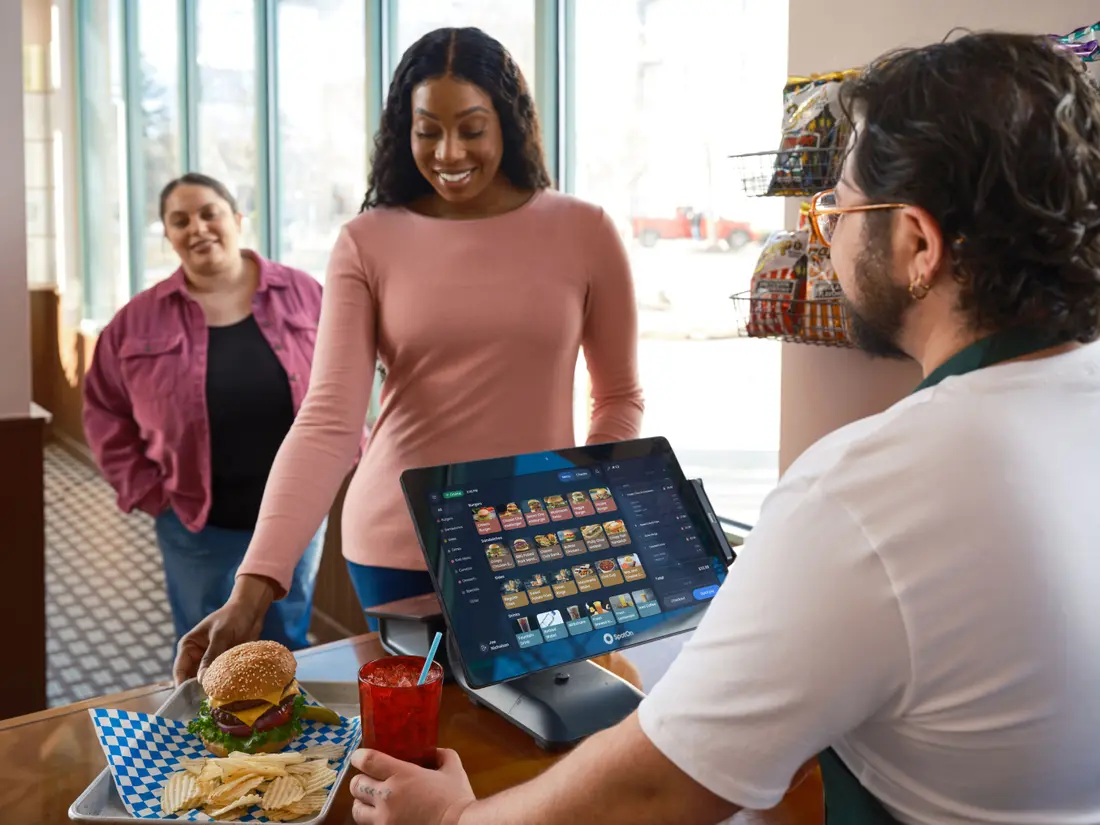
Selling a latte is not selling a tin of milk. It has modifiers, it comes off a recipe that draws down beans and milk as it sells, it belongs to a table, and somebody behind the machine needs to know to make it. All four are here rather than approximated with product variants.
Operational Impact
Architectural Decisions
Most tills claim to work offline. What matters is what happens on the way back: a sale that reached the server before the line dropped must not be charged again when the till retries. Every sale carries an id the terminal generates, and the server returns the original result for a repeat rather than creating a second sale. So the cashier can press charge again without thinking about it — which is the only instruction a busy counter will actually follow.
KHQR and PayWay run on your own merchant account, not a platform account that pays out later. The customer scans, and the money is in your bank. Each company's credentials are encrypted at rest and resolved per sale, so a group running several companies keeps them genuinely separate rather than sharing one account and reconciling afterwards.
Cambodian retail runs on two currencies at once, and most imported software treats that as an edge case to be configured around. Both are handled here at a rate you control, so prices, change and the day's report all agree without a calculator on the counter.
The demo is always the sale. The day is everything around it — opening a shift and counting the drawer, a return, a gift card, a stocktake that disagrees with the system, a supplier delivery, the end-of-day variance. Those are here, which is the difference between software you sell on and software that survives a month.
Stock and takings are tracked per outlet and roll up together, and the system is built for owners running more than one company rather than assuming one business per account. Nobody consolidates spreadsheets at the end of the day.
Totals, discounts and tax are exact arithmetic. It is the least interesting sentence on this page and the reason the drawer agrees with the report — rounding drift is a bug you only find at cash-up, by which point nobody can tell you where it came from.
Target Organizations
Barcodes, stock that moves as it sells, stocktakes that show the gap, and a cash shift that closes with a variance you can explain. Dollars and riel on the same counter.
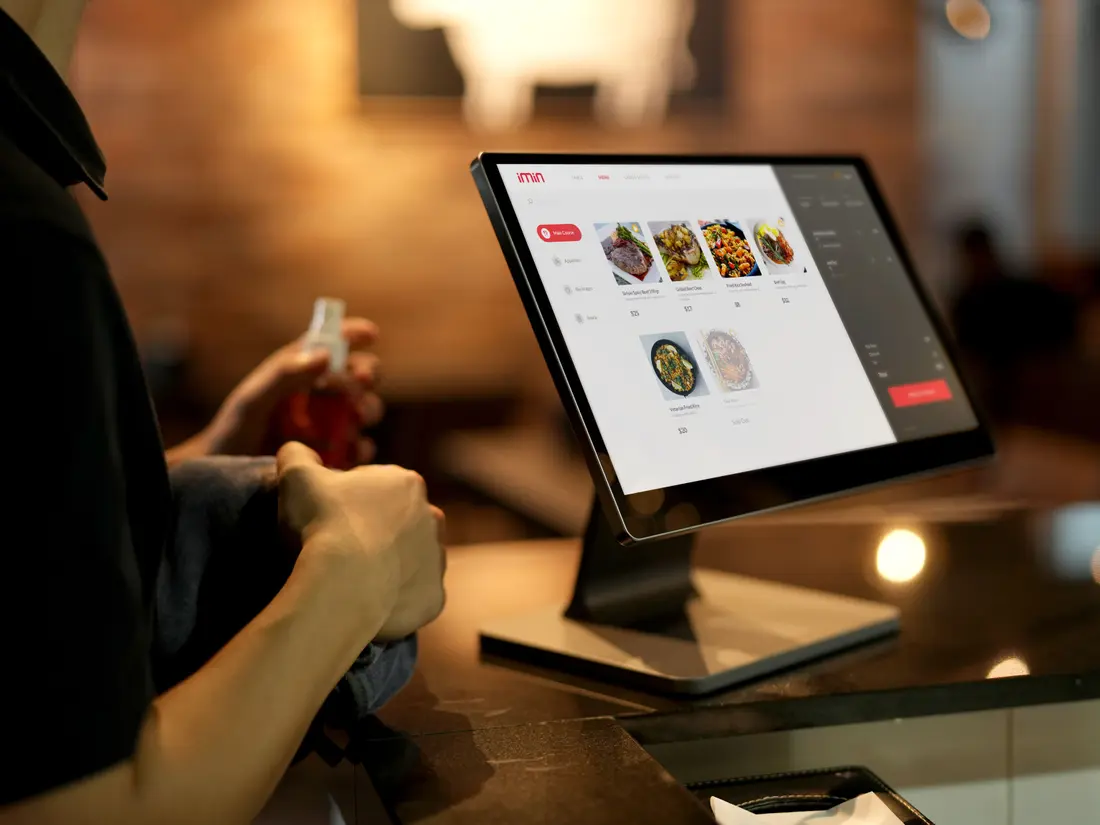
Modifiers, recipes that draw down ingredients as drinks sell, table management and a prep queue for whoever is behind the machine.
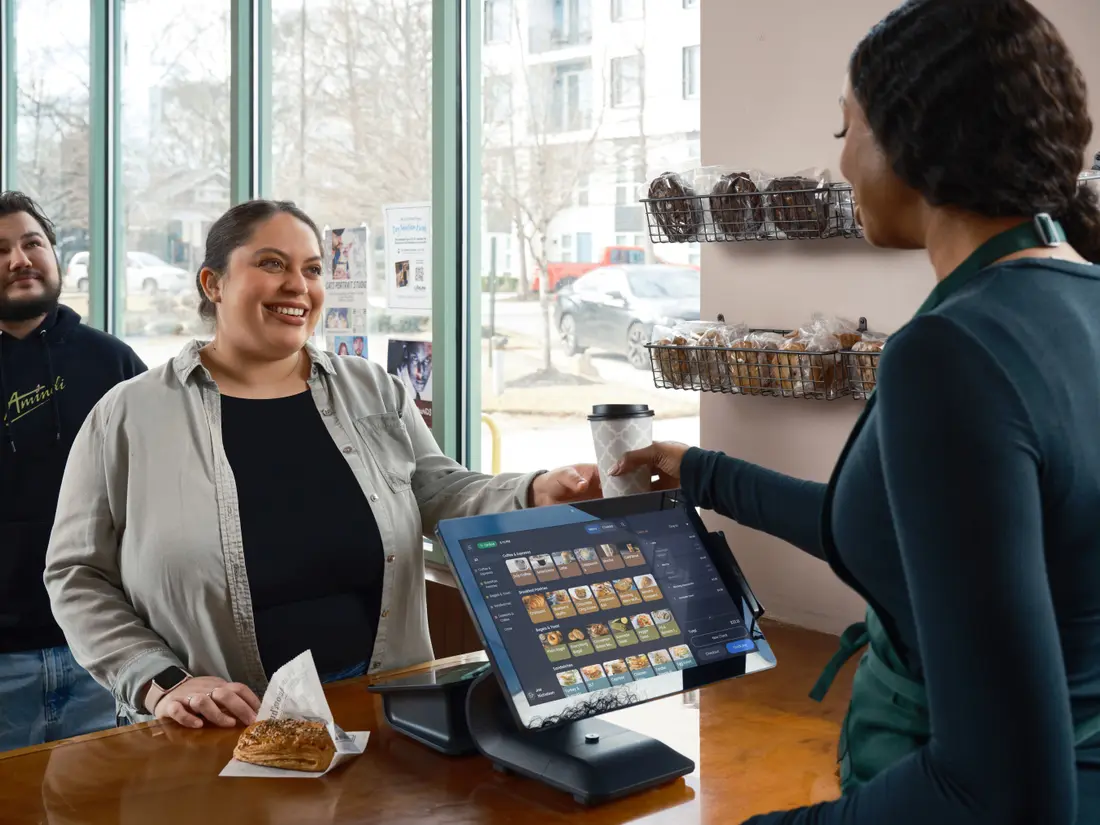
Several branches, and often several companies. Stock and takings per outlet rolling up together, with an owner's app for checking the day from anywhere.
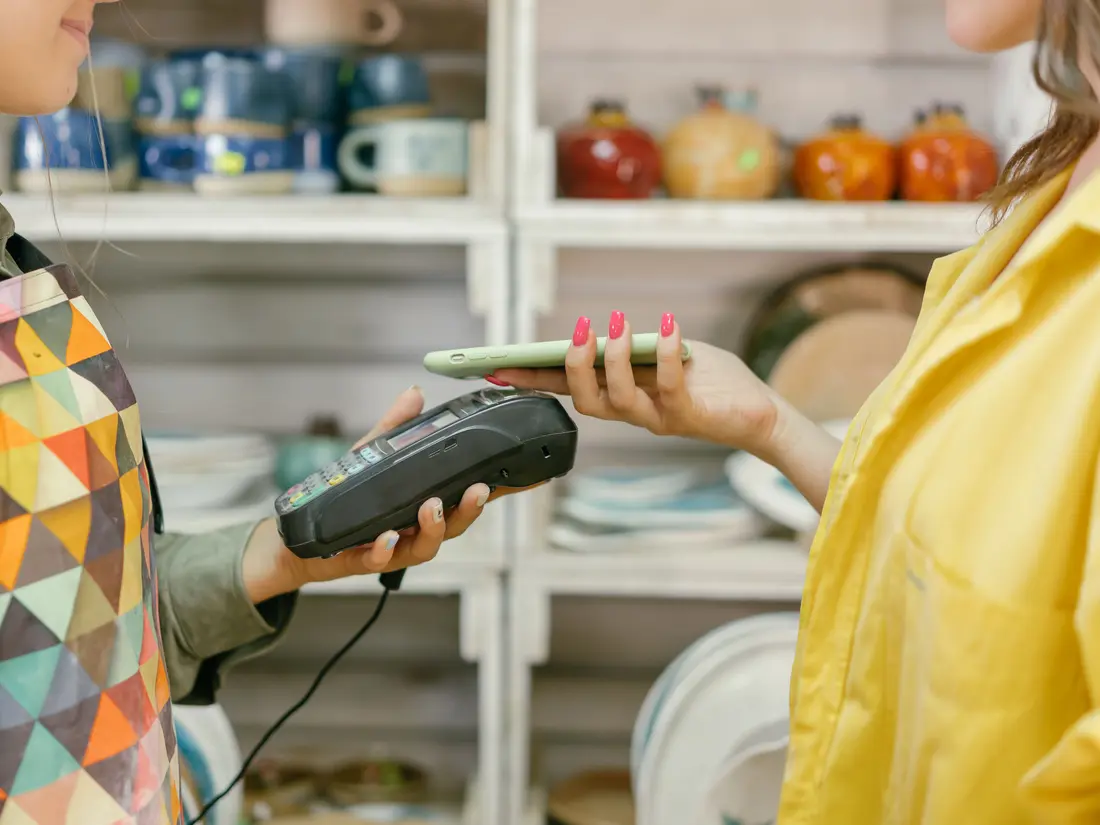
Where the connection is the least reliable thing you own. The till holds the sale through the outage and cannot double-charge on the way back.
Platform Architecture
The till itself — ring up, discount, split payment, void and return, with an offline queue for a dropped connection and an id per sale so a retry cannot charge twice.
Cash, card, Bakong KHQR and ABA PayWay with push-to-terminal, on your own merchant credentials, held encrypted and resolved per sale.
Two currencies on one counter, at rates you set per company, so pricing, change and reporting agree.
Products, categories, barcodes and suppliers — the catalogue the counter actually sells from.
How a drink or dish is made, and what selling it draws down from stock, so a café's ingredients move as its sales do.
Table management and a prep queue, so an order reaches whoever is making it without a shout across the room.
Stock per outlet that moves as sales do, with counting sessions that show the variance against what the system believed.
Purchase from suppliers so stock arrives in the system rather than being adjusted in afterwards.
Price tiers and promotion rules applied at the till, rather than a cashier doing arithmetic in their head.
Gift cards issued and redeemed as a balance, and loyalty points earned against the customer on the sale.
Customer records attached to sales, so a return, a loyalty balance or a receipt reprint has somebody to belong to.
Open a shift, count the drawer, close it and see the variance — the ritual every counter already performs, in the system instead of on paper.
Printed receipts and gapless document numbering, which is the part an auditor asks about.
Sales, stock and takings by outlet and by day, pulled without asking anyone to assemble it.
Who may discount, void or open the drawer — set per role rather than shared with a manager's PIN.
What changed, and who changed it — including the voids and discounts that are worth being able to look up later.
A read-only companion for iOS and Android for checking the day's numbers from somewhere other than the shop.
Questions & Answers
Through a dropped connection, yes — and we would rather be precise than have you find the edge on a bad morning. A sale rung up while the line is down is held on the terminal and sent when it returns, and because the till stamps every sale with its own id, a retry returns the original sale rather than charging again. The limit is the start: the terminal needs to have reached the server at least once since it was opened, because the product list is loaded from the server rather than stored on the device. So a connection that drops mid-shift is handled; a terminal switched on with no internet at all is not, and that is the honest boundary today. One other thing worth knowing: a queued sale can still be rejected when it replays — if the shift was closed or the stock ran out — and those are kept for the cashier to review rather than disappearing.
Yes. Bakong KHQR and ABA PayWay are supported at the counter, and PayWay can push the amount to the terminal. The important part is whose account it lands in: each company uses its own merchant credentials, held encrypted, so the money goes to your bank rather than through us and out again later. Cash, card and QR all settle onto the same sale and the same day's report.
Yes, and it is treated as normal rather than as an exception. Both currencies work on the same counter at a rate you set per company, so prices, change and the day's reporting agree without anyone reaching for a calculator.
Yes. There are modifiers for how a drink or dish is made, recipes so selling an item draws down its ingredients, table management, and a prep queue for the kitchen — four separate things rather than product variants pretending.
Yes — it is built for businesses running more than one outlet, and more than one company. Stock and takings are tracked per outlet and roll up together, so nobody has to consolidate spreadsheets at the end of the day, and the owner's app shows the day from anywhere.
There is a 30-day trial on the full system, with no crippled free tier — when the trial ends you choose a plan. Pricing after that depends on how many outlets and tills you run. Cambodian businesses pay by ABA PayWay or KHQR; we are not open for signup outside Cambodia yet, and would rather say so than take an order we cannot serve. Tell us your setup and you will get a straight number.
It is pre-live — built, deployed and running on our pre-production environment, but not yet in production and not yet serving a real shop. That is a deliberate distinction rather than a soft launch. Get in touch to see it running or to talk about being an early pilot — pilots still shape what ships.
Licensing & Deployment
SuiteWright POS is architected as multi-tenant software subscribed per organization. New workspaces begin with a comprehensive 30-day trial on the Pro tier. Following trial completion, accounts seamlessly transition to active plans, with data preserved securely.
Available for pilot onboarding. SuiteWright POS is currently in active pre-production staging. We are onboarding select pilot partners ahead of general availability. Contact us to schedule a personalized walkthrough or discuss early pilot deployment.
Schedule an interactive walkthrough tailored to your exact operational requirements and data models.